

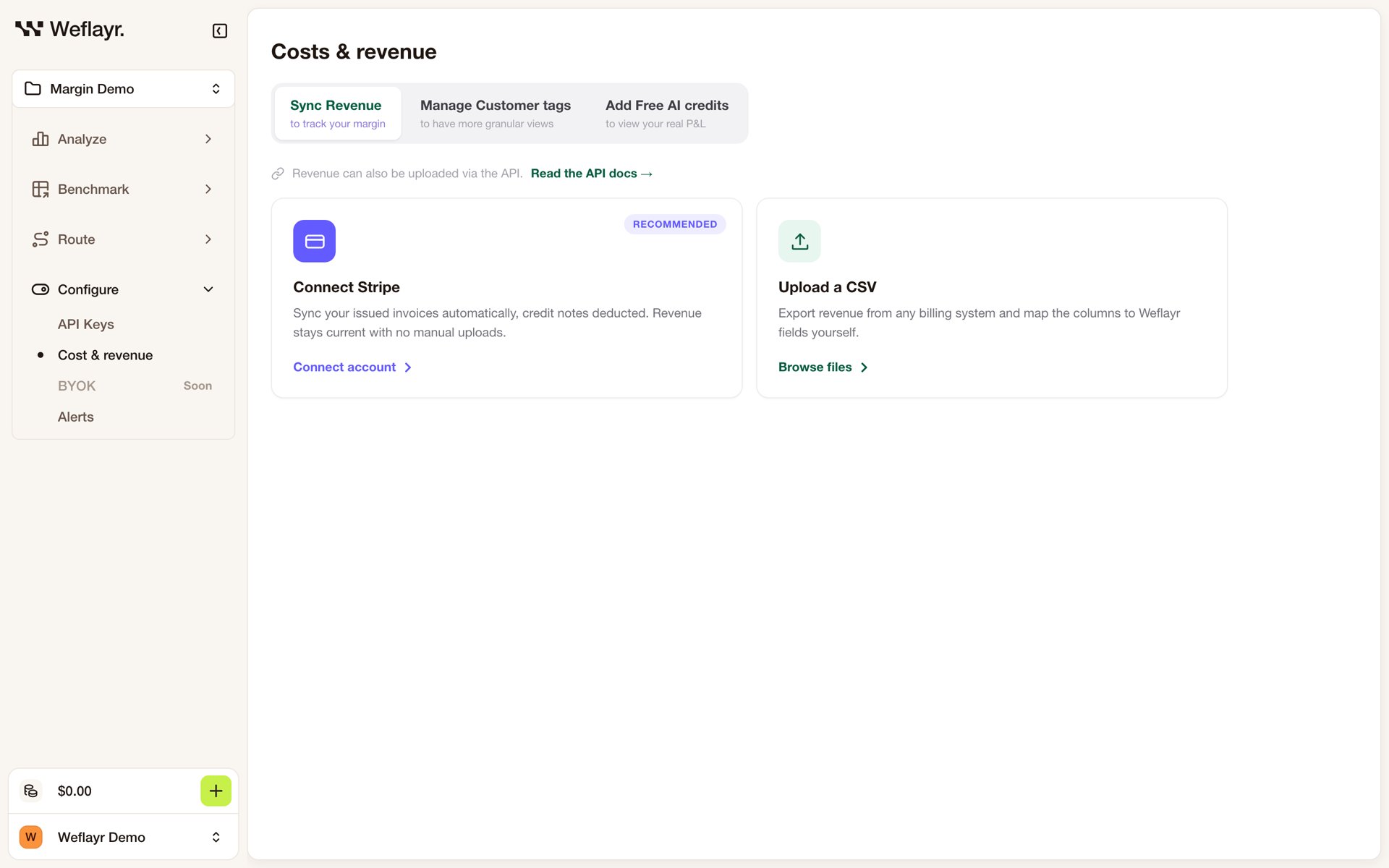
- Connect Stripe (recommended): your issued invoices sync on their own, credit notes deducted.
- Upload a CSV: export revenue from any billing system, map its customer and revenue columns, and pick the month it belongs to.
- API: push revenue from your code with Set revenue.
Revenue and AI cost meet on the customer name: the
customer_name your calls carry. With Stripe, Weflayr matches it to the Stripe customer’s name, or to a weflayr_customer_name metadata field you set on each Stripe customer.