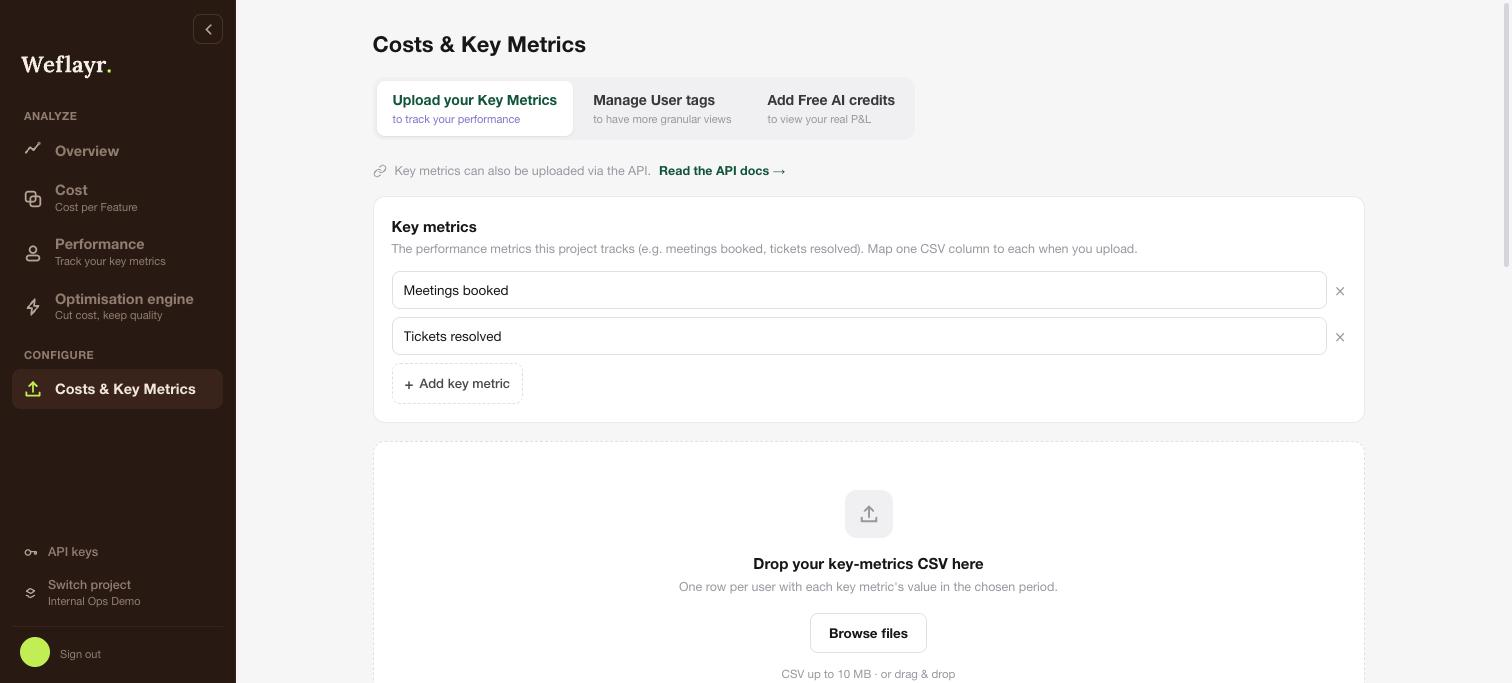
Sync Revenue
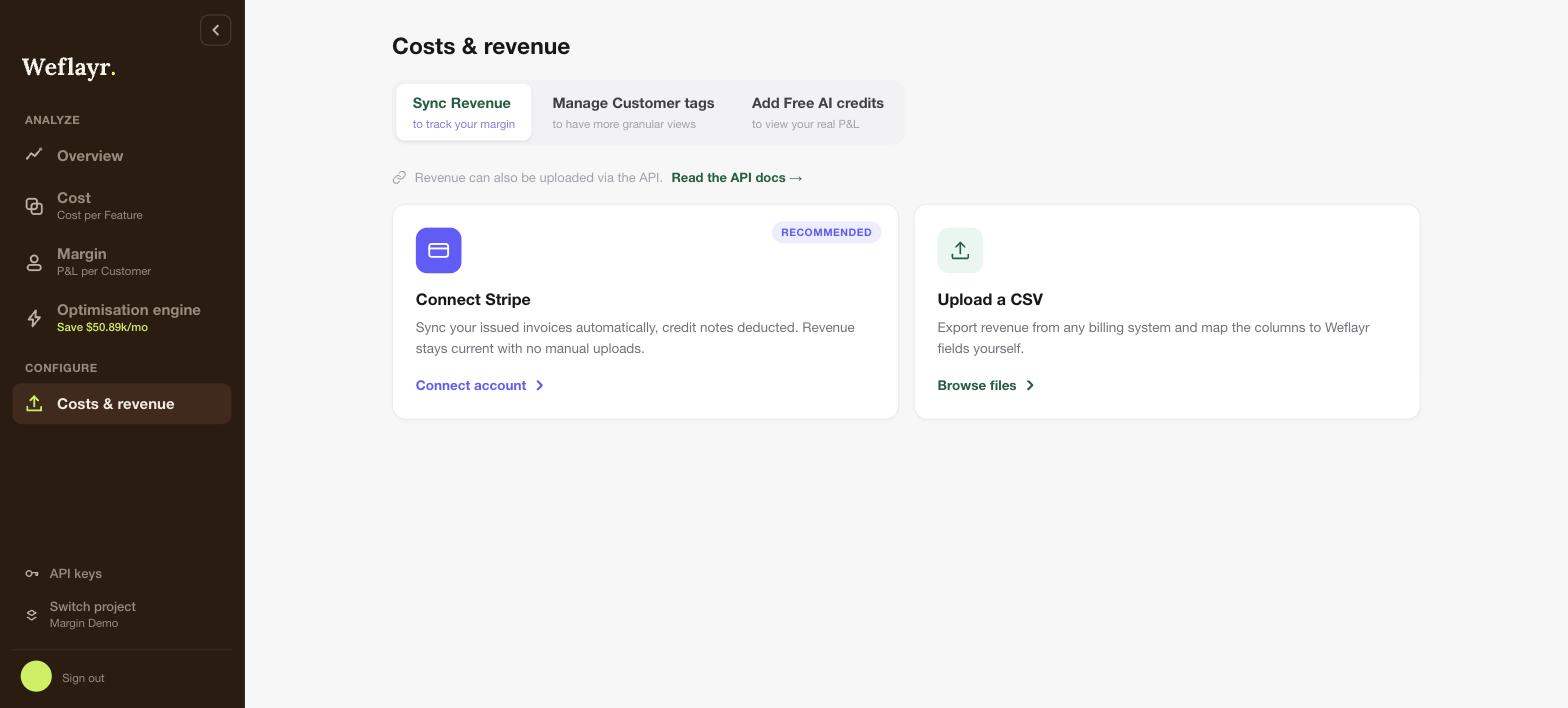
The Margin page needs your revenue per customer. Bring it in from Costs & revenue in the sidebar, in any of the following ways:
- Connect Stripe: your issued invoices sync automatically, credit notes deducted. Revenue stays current with no manual uploads.
- Upload a CSV: export revenue from any billing system and map the columns to Weflayr fields yourself. Useful to backfill history or if you do not bill through Stripe.
- Push via API: push revenue programmatically, see the Revenue API.
Revenue and AI cost land on the same customer through the customer_name you stamp on your LLM calls when propagating metadata. With Stripe, you can pass it in two ways: use it as the Stripe customer name (default), or set it in a weflayr_customer_name metadata field on each Stripe customer. With a CSV, map the customer column to it.
On an internal project, this tab becomes Upload your Key Metrics: name your key metrics and upload their values per user as a CSV.