Customer tags
Tags add your own dimensions to customers (e.g. segment). Once uploaded, they appear as filters on the Cost and Margin pages, so you can answer questions like “what does the Health sector costs me in AI”.
Upload a CSV (one row per customer, one column per tag), edit values inline in the table, or push them programmatically, see the Customer tags API.
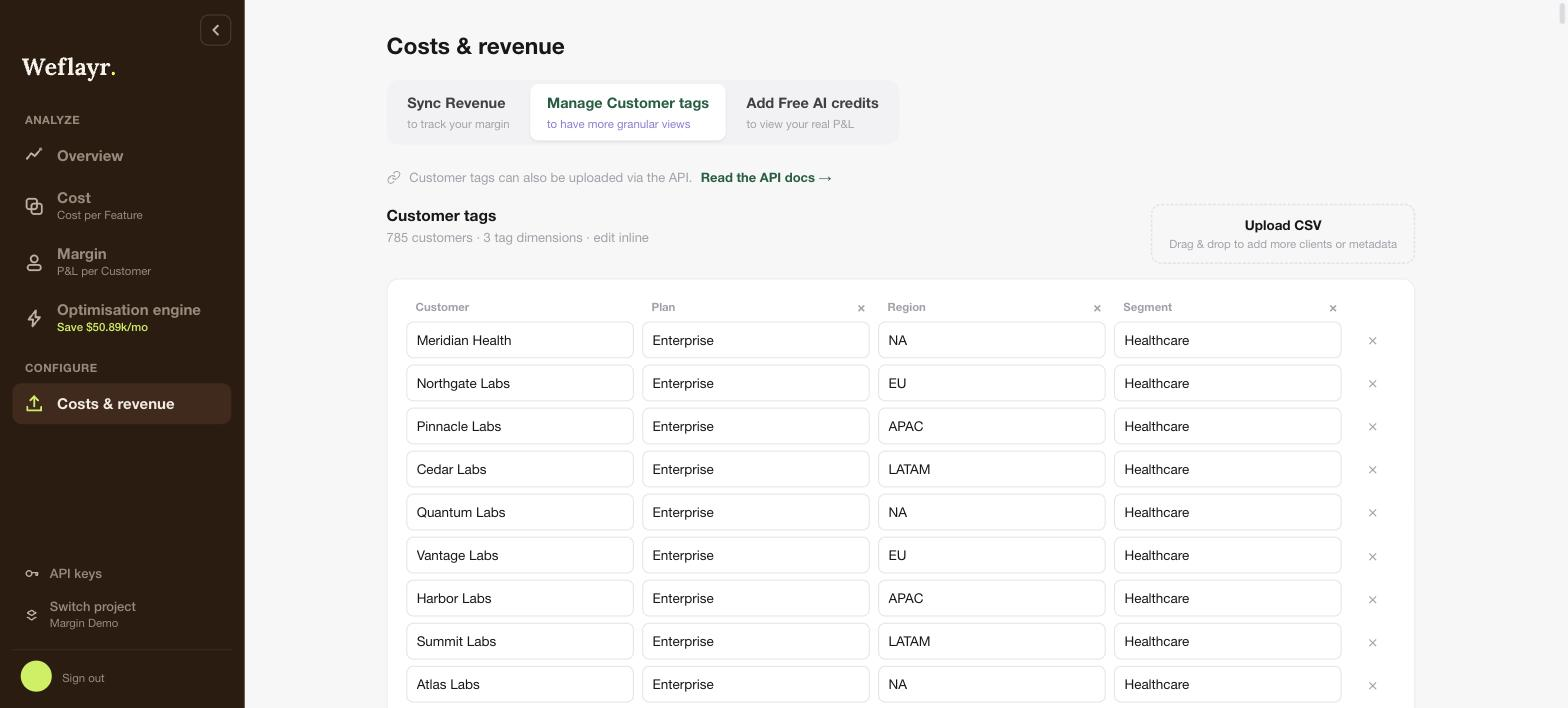
On an internal project, the same tab manages user tags, like team.