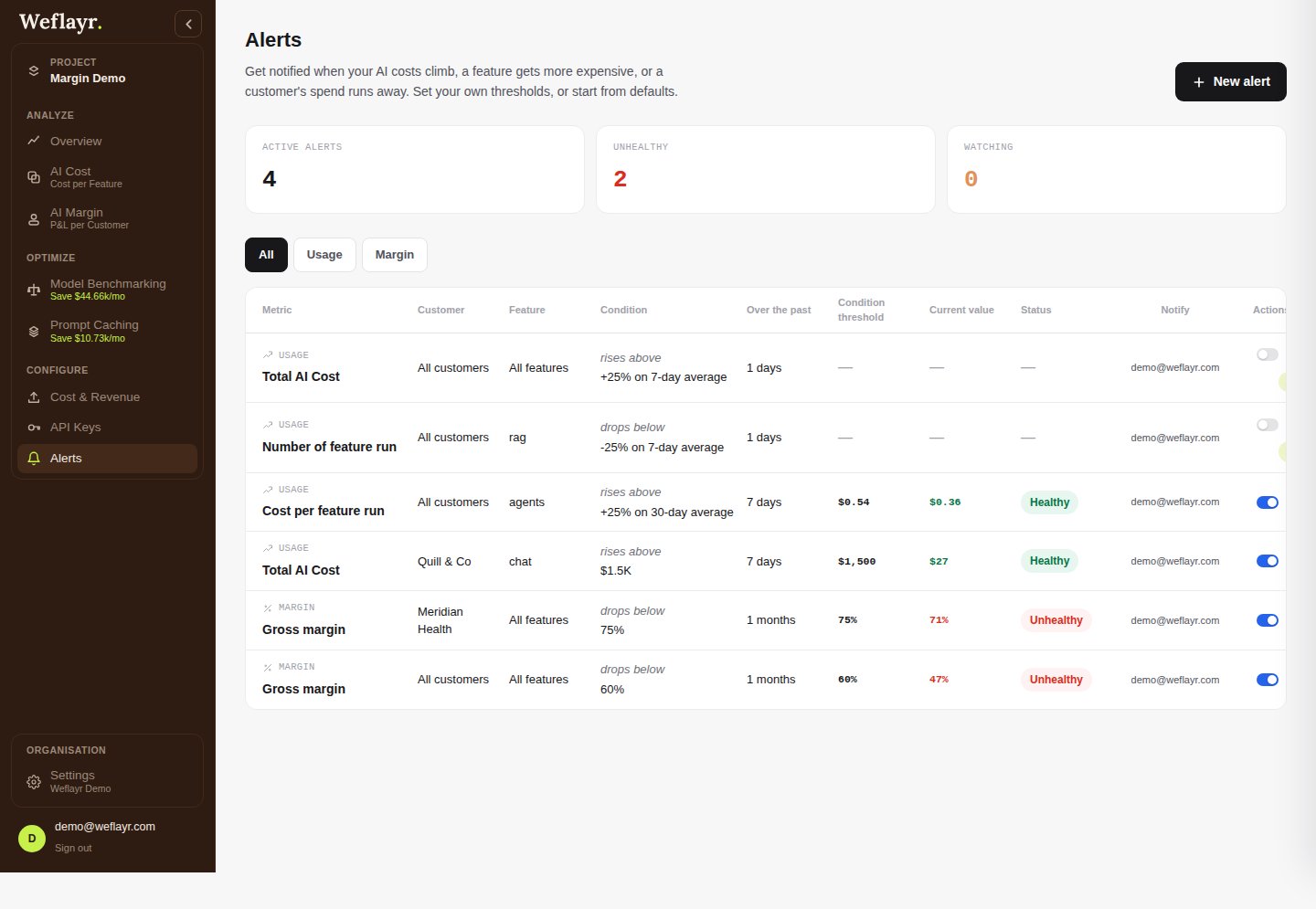
Create an alert
Click New alert, then pick a metric: a usage metric (Total AI Cost, Cost per feature run, Tokens Consumed, Number of feature run) or a margin metric (Gross margin, Adoption). Narrow it to specific customers or features, or leave it at “All”.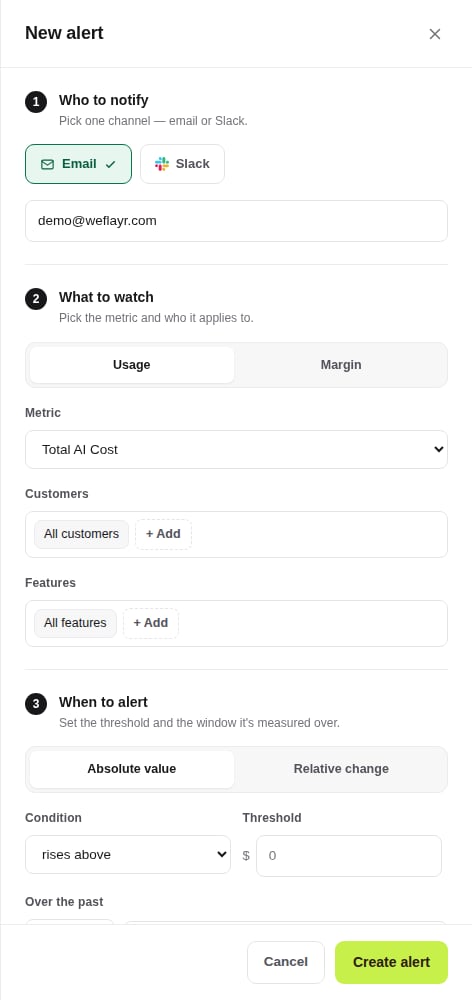
Get notified by email or Slack
Pick one channel per alert. Email needs no setup. Slack needs the organization connected first, from Settings, then you pick the channel and can send a test message before saving.
Absolute vs relative thresholds
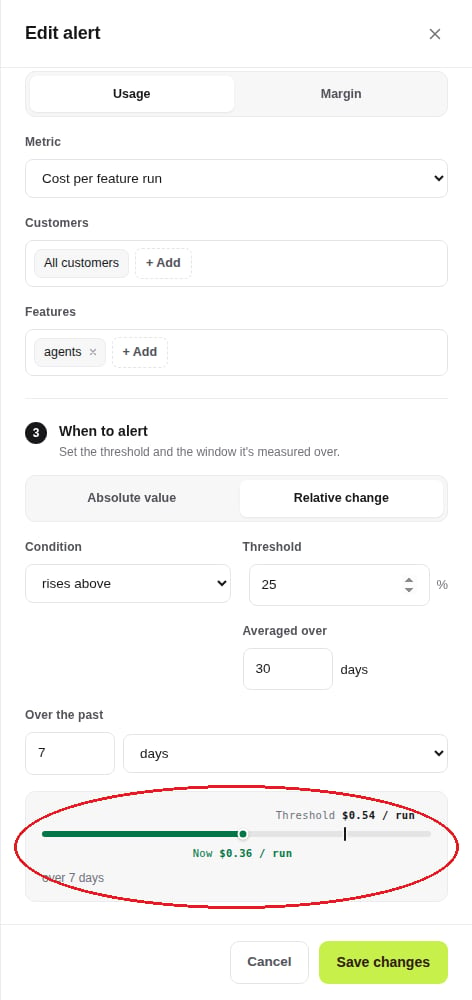
An absolute threshold is a flat number, e.g. gross margin drops below 60%. A relative threshold is a percentage offset from the metric’s trailing average, e.g. cost per feature run rises 25% above its 30-day average. Either way, the drawer shows where the metric currently sits against the threshold.