> ## Documentation Index
> Fetch the complete documentation index at: https://docs.weflayr.com/llms.txt
> Use this file to discover all available pages before exploring further.
# Customer tags
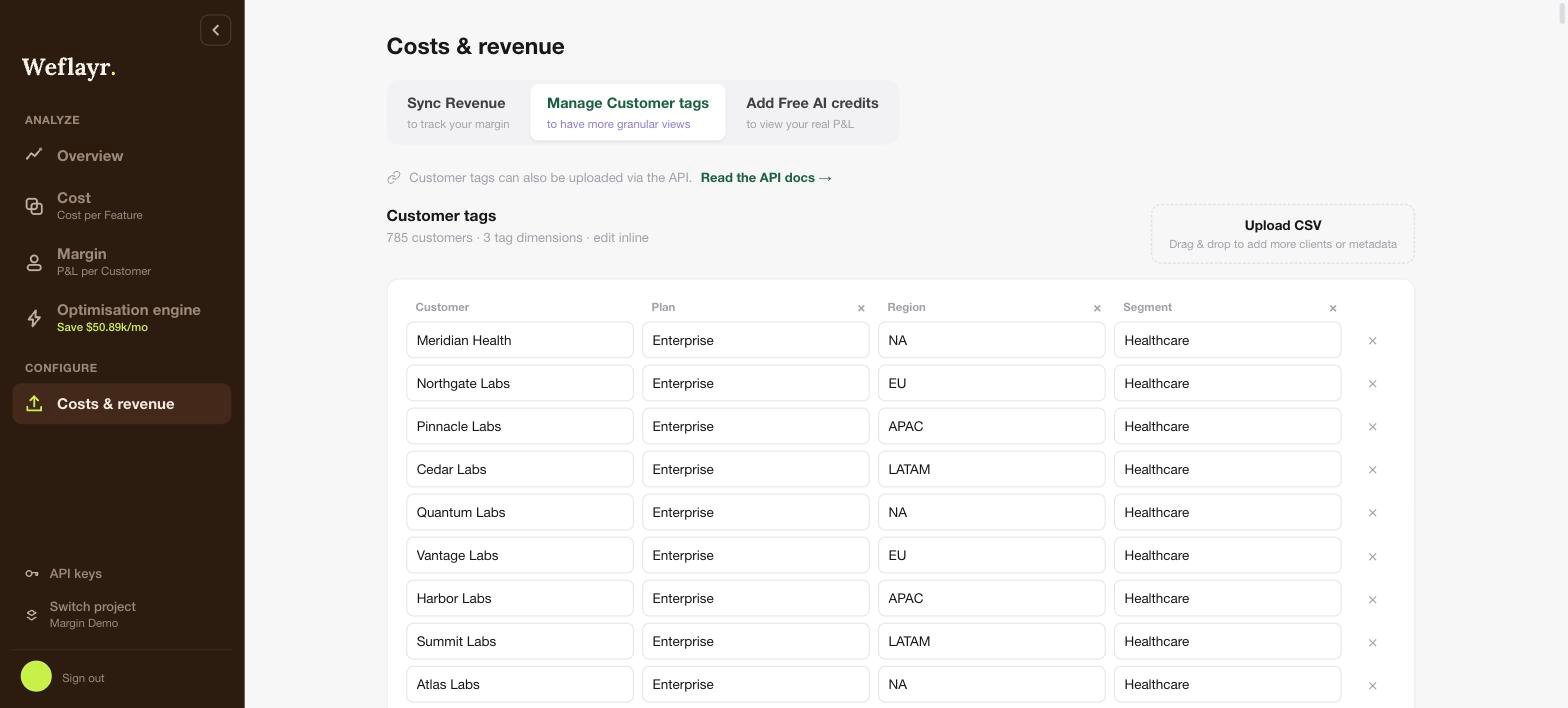
> Tags add your own dimensions to customers (e.g. segment).
Once uploaded, they appear as filters on the [Cost](/product/cost) and [Margin](/product/margin) pages, so you can answer questions like "what does the Health sector costs me in AI".
Upload a CSV (one row per customer, one column per tag), edit values inline in the table, or push them programmatically, see the [Customer tags API](/api/customer-tags).
 On an [internal project](/internal-projects), the same tab manages **user** tags, like team.